
🔹 INTRODUCTION
Eye pain from screens has become one of the most common health complaints among people working from home. What once felt like mild eye fatigue now turns into daily headaches, pressure behind the eyes, blurred vision, dryness, and an overwhelming sense of visual exhaustion.
Remote work, long screen hours, artificial lighting, and constant digital focus have created a perfect storm for modern vision problems. Millions of adults now experience screen-related eye pain without realizing that their symptoms are not “normal aging” — but a direct result of how their eyes are being used every single day.
This definitive guide will explain why screens cause eye pain, how headaches and fatigue are connected to digital vision overload, and — most importantly — what actually works to protect your eyes while working from home.
More than 70% of adults who work from home report eye pain from screens, and nearly half experience frequent headaches linked directly to prolonged digital exposure.

What Is Eye Pain From Screens?
Eye pain from screens is not a single condition — it is a collection of visual stress reactions caused by prolonged digital focus. When you stare at a screen for hours, your eyes are forced to maintain constant near-focus, blink less frequently, and process artificial light that your visual system was never designed to handle.
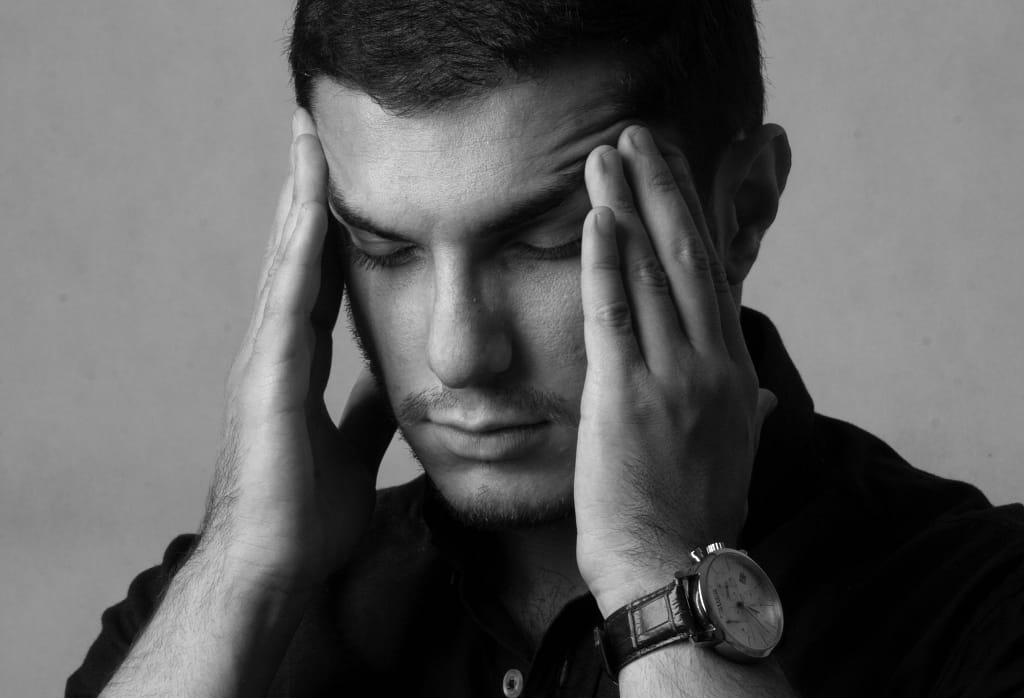
Unlike eye pain caused by injury or infection, screen-related eye pain builds gradually. It often starts as mild discomfort and slowly progresses into persistent pressure, soreness, or tension headaches that worsen throughout the day.
Common sensations include:
- aching behind the eyes
- burning or stinging feelings
- heaviness in the eyelids
- tension headaches around the temples or forehead
This condition is closely linked to digital eye strain, a growing problem among adults who spend long hours on computers and mobile devices.
Why Screen Use Triggers Eye Pain and Headaches
To understand why screens cause eye pain, you need to know how the visual system reacts to prolonged digital focus. When working on a screen, your eyes operate in a constant state of near-vision contraction, which places stress on the eye muscles and surrounding nerves.
Several factors combine to trigger pain and headaches:
🔹 Reduced Blinking
Normally, humans blink about 15–20 times per minute. During screen use, blinking can drop by more than 50%, leading to dryness, irritation, and surface inflammation.
🔹 Eye Muscle Overload
Screens force the ciliary muscles to stay engaged for extended periods. Over time, this can cause muscle fatigue and deep aching sensations behind the eyes.
🔹 Blue Light & Neurological Stress
High-energy blue light overstimulates retinal cells and can increase neurological tension, contributing to headaches and disrupted sleep cycles.
Blue light exposure also interferes with sleep and recovery, which further worsens eye fatigue and daytime discomfort.
Types of Screen-Related Eye Pain (You’re Probably Ignoring)
Not all eye pain from screens feels the same. Understanding which type you’re experiencing is crucial because each one has a different cause — and a different solution.
🔹 1. Deep Eye Pressure
This feels like soreness behind the eyes, often worsening toward the end of the workday. It’s caused by prolonged near-focus and eye muscle fatigue.
➡️ Common among: office workers, designers, programmers.
🔹 2. Burning & Stinging Sensation
A sharp, dry, or burning feeling on the surface of the eyes. This usually indicates dry eye exacerbated by screen use.
➡️ Trigger: reduced blinking + air conditioning + screen glare.
This type of discomfort is strongly associated with Dry Eye Syndrome, which is increasingly common in remote workers.
🔹 3. Headaches Around the Temples or Forehead
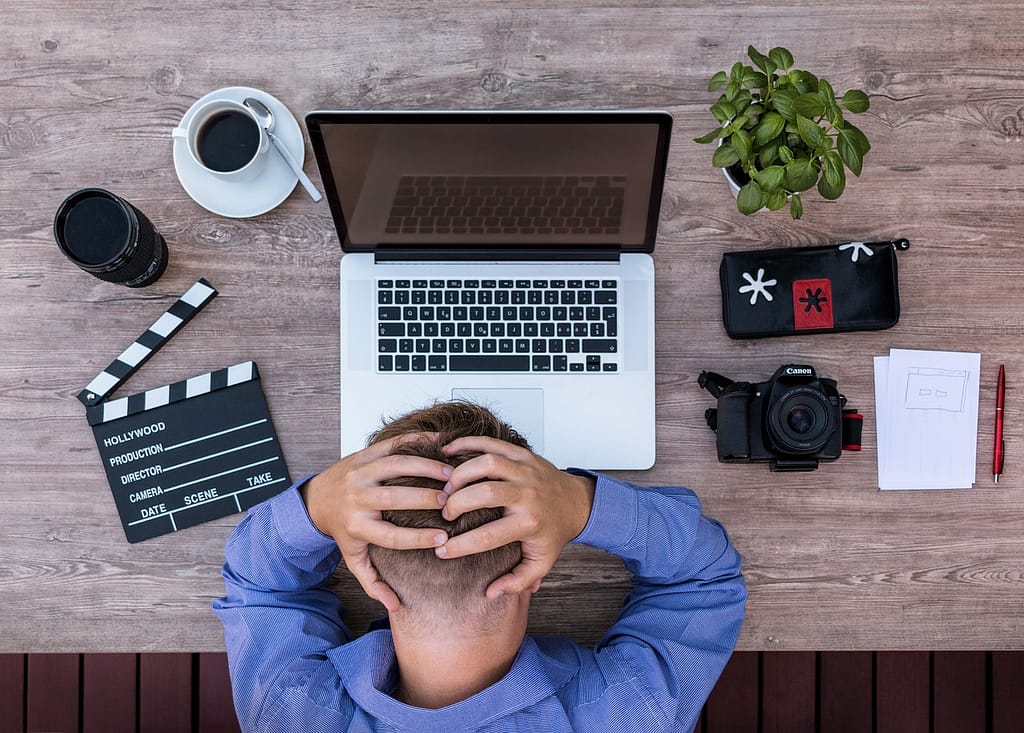
These headaches are often mistaken for stress or dehydration, but they are frequently vision-driven headaches caused by eye strain, poor posture, and uncorrected vision.
➡️ Warning sign: headaches that improve when you stop using screens.
🔹 4. Blurred Vision & Difficulty Refocusing
After long screen sessions, some people struggle to refocus on distant objects. This is a sign of temporary accommodative spasm, a common screen-related issue.
Eye-related headaches are one of the most misdiagnosed forms of chronic headaches. In many cases, correcting screen habits reduces symptoms without medication.
The Work-From-Home Vision Crisis (Why This Is Getting Worse)
Working from home has fundamentally changed how we use our eyes. Unlike traditional offices, home workspaces often lack proper ergonomics, lighting balance, and visual breaks.
Key contributors include:
- laptops positioned too low
- working from couches or beds
- excessive screen switching (phone → laptop → tablet)
- poor ambient lighting
Over time, these habits create constant visual overload. The eyes never fully relax — even after work hours.
This constant exposure explains why conditions like digital eye strain and screen-induced myopia are now appearing earlier in adults.

How Screen Fatigue Turns Into Chronic Eye Pain
Screen fatigue doesn’t disappear overnight. When ignored, it progresses through stages:
- Occasional discomfort
- Daily eye fatigue
- Frequent headaches
- Persistent eye pain
- Reduced visual performance
At this stage, many people assume something is “wrong with their eyes” — when in reality, their visual system is simply overworked and under-recovered.
Supporting eye recovery through sleep and circadian rhythm alignment plays a major role in reversing screen-related damage.

Smart Heated Eye Massager
Many remote workers use a heated eye massager to improve circulation, reduce muscle tension, and speed up recovery after long hours in front of digital devices.
Daily Vision Survival Routine for Screen Workers
If you work from home or spend most of your day in front of screens, your eyes need a daily recovery routine — not just occasional breaks.
🕘 Morning (Before Screen Use)
- Expose your eyes to natural daylight within the first hour.
- Avoid immediately checking your phone in dark rooms.
- Blink consciously for 30–60 seconds to hydrate the ocular surface.
🕛 During Work Hours
- Follow the 20-20-20 rule consistently.
- Adjust screen height so your eyes look slightly downward.
- Increase font size to reduce accommodative strain.
🌙 Evening (Post-Work Recovery)
- Reduce blue light exposure 2 hours before sleep.
- Use warm compresses or an eye massager.
- Prioritize quality sleep — this is when ocular repair happens.
Proper evening routines are essential for restoring visual balance and supporting long-term eye health.
Eye Relaxation Exercises That Actually Reduce Eye Pain
These exercises are safe, simple, and supported by clinical observations.
🔹 Palming (2–3 minutes)
Rub your hands together to create warmth. Gently place them over closed eyes without pressure. This relaxes the visual system.
🔹 Focus Shift Exercise
Look at a nearby object for 10 seconds, then a distant object for 10 seconds. Repeat 10 times.
🔹 Blinking Reset
Blink slowly and fully 20 times. This restores tear film stability.
🔹 Figure-Eight Eye Movement
Trace an imaginary sideways “8” with your eyes for 30 seconds in each direction.
These techniques are especially effective for people experiencing digital eye strain and frequent screen-related headaches.
Eye exercises don’t strengthen eyesight, but they significantly reduce fatigue by improving circulation and muscle relaxation.
Tools That Help Reduce Eye Pain From Screens
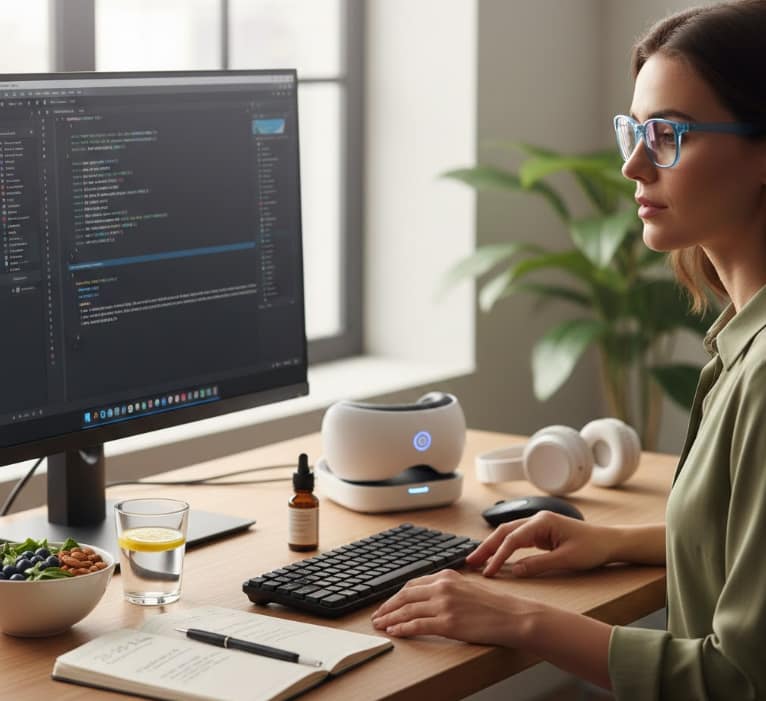
Lifestyle habits matter most — but the right tools can accelerate recovery.

Professional Blue Light Blockers
Reduce visual fatigue and support natural melatonin production even during long evening screen sessions. Patented lenses maintain perfect color clarity while blocking harmful HEV light.
- ✓ Drastically Reduces Eye Strain
- ✓ Improves Sleep Quality After Work
- ✓ Lightweight & Durable Frames
*Highly Recommended for Graphic Designers & Developers*
Frequently Asked Questions (FAQ)
❓ Can screens permanently damage my eyes?
Screens don’t cause structural damage, but chronic strain can worsen existing conditions and reduce visual comfort long-term.
❓ Why do my headaches stop when I stop using screens?
Because the headache source is often visual overload, not neurological disease.
❓ Are eye drops helpful?
Yes — especially preservative-free artificial tears for dryness.
❓ How many hours of screen time is too much?
Anything beyond 2 hours without breaks significantly increases eye strain risk.
❓ Is eye pain a sign I need glasses?
Sometimes. Uncorrected vision can dramatically worsen screen-related symptoms.
🧠 CONCLUSION
Eye pain, headaches, and screen fatigue are not inevitable side effects of modern life — they are warning signals. Your eyes are responding to overload, poor recovery, and unhealthy digital habits.
By understanding what causes screen-related eye pain, adopting a daily vision survival routine, and using the right tools when needed, you can dramatically reduce discomfort and protect your long-term visual health.
👉 Your work-from-home setup should support your eyes — not destroy them.
A Note from the Founder
"I started CVT because eye health is personal to me. After losing sight in my left eye due to a childhood injury and managing high intraocular pressure for decades, I’ve dedicated my life to finding the best ways to protect the vision we have. Every piece of advice on this site is researched with that same level of care and responsibility. Thank you for being here."

